Veteran's Day sale: the Setup Kit, free with your 30-day trialVeteran's Day: free Setup Kit& 14 30-day trialEnds Nov 11Get a quote signed the same day you send it, or nudge is free until you do.
Start 30-day trial →30 days free · cancel anytime

03 · Get paid

A yes.That pays for materials.

Sign, then pay, on the same screen. Money goes straight to your bank. nudge takes no cut.
Start 30-day trial →30 days free · cancel anytime
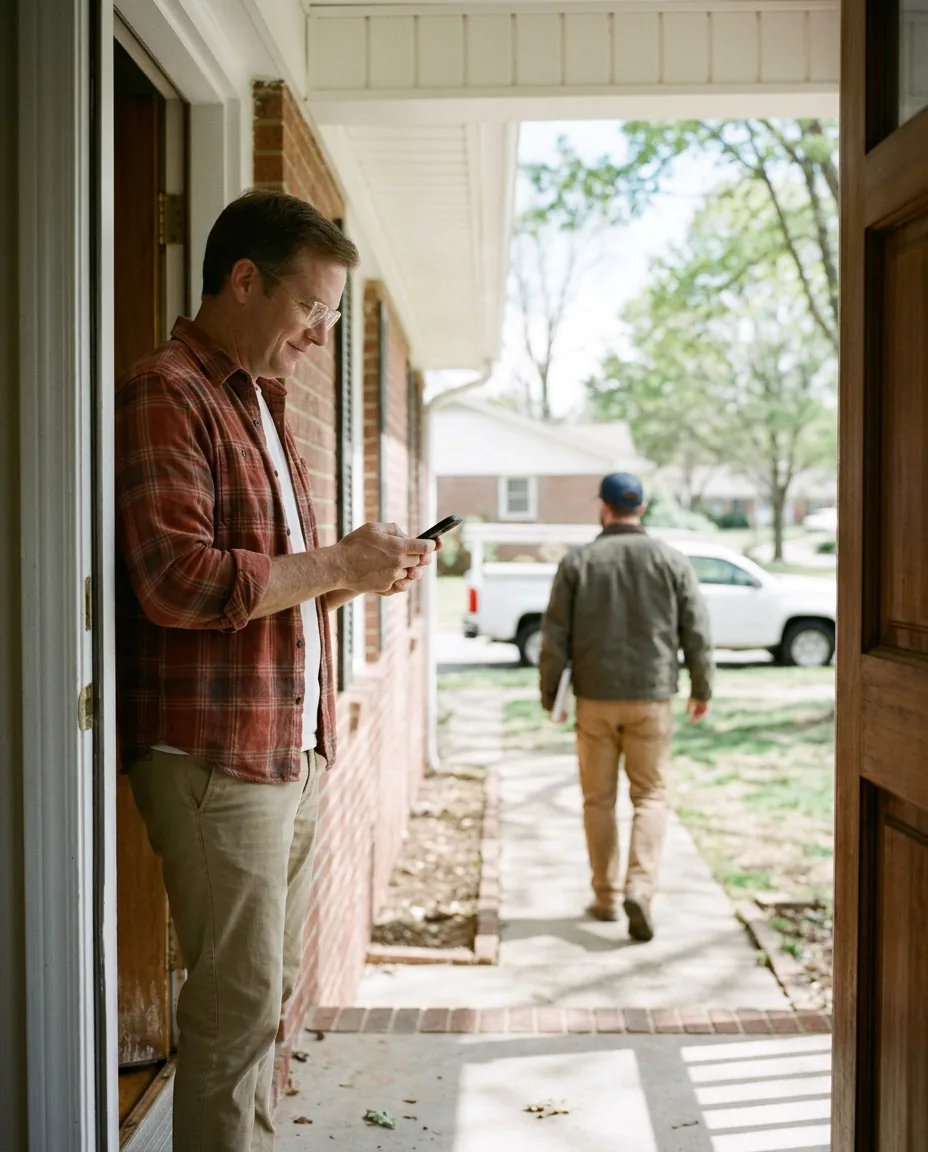
A homeowner in his doorway paying the deposit on his phone, as the contractor walks back to his truck.
0% fee
nudge takes no cut
Only Stripe's standard processing fee applies.

Every way they want to pay.

Familiar ways to pay mean fewer reasons to wait.

  • Apple Pay
  • Google Pay
  • Visa
  • Mastercard
  • American Express
  • Discover
  • JCB
  • Diners Club

Bank transfer, Apple Pay and Google Pay show up when your Stripe account and your customer's device support them.

Fees

What it costs.In plain English.

On a $1,000 service
They pay byFeeYou pay
Card2.9% + 30¢$29.30
Bank transfer0.8%, never more than $5$5.00
Cash or checkNone$0.00
nudge's cutNone, on any payment$0.00

Card and bank fees are Stripe's standard US rates for US cards, and Stripe sets them, not nudge.
See Stripe's pricing

Ways to pay less

  • Suggest bank transfer on big jobsThe fee stops at $5, however big the job.
  • Card for the deposit, bank for the balanceFast at the door, cheap on the big part.
  • Cash and checks stay freeRecord them in nudge and the balance still adds up.

Deposits

Get paid faster.

The deposit comes in the moment they sign, so materials are covered before you order them.

  • Ask for a deposit, the full amount, or nothing
  • A percentage or a set amount
  • Set it once for every quote, or change it per job

A short film. With Q-1042 signed, Adam Reid taps Pay deposit, sees the $2,015.28 due today by Apple Pay, Google Pay, card or bank account, paid to Ridgeline Home Services, and picks Apple Pay. The payment processes, the page says Deposit paid and a receipt is emailed, and the contractor's phone shows the push: Adam Reid paid a deposit of $2,015.28 on Q-1042.

Invoices

No more waiting on checks.

Send the final invoice right from the quote.

  • Due on receipt, in 15 or 30 days
  • Send by text, email or both
  • The deposit already paid comes off the balance

Invoice INV-1042 from Ridgeline, marked Invoiced: $6,717.60, less the $2,015.28 deposit paid Oct 27, leaves $4,702.32 due Nov 12, with a Pay button.

Reminders

Stop chasing payments.

Reminders go out for you when it's due, and again if it's late. You never have to send the awkward text.

The reminder timeline: the invoice sent Oct 28, a reminder from nudge on the due date, Nov 12, another a week late, Nov 19, then paid in full, $4,702.32.

Receipts and alerts

Know the second you're paid.

You get an alert, and they get a receipt with your logo on it. Your books get the payment.

  • A receipt with your logo for every online payment
  • Refunds without leaving nudge
  • Payments sync to QuickBooks® Online

Three pushes, newest first: Adam Reid paid a deposit of $2,015.28 on Q-1042; Adam Reid signed Roof replacement; Adam Reid viewed Roof replacement. Under them, the month's numbers and the payment synced to QuickBooks.

No cut
0%

nudge takes no cut of what your customers pay you.

FAQ

Does nudge take a cut of my payments?

No. Payments go straight to your bank through Stripe. Stripe's standard fee applies: 2.9% + 30¢ for a card, or 0.8% up to $5 for a bank transfer. See the fees

When does the money reach my bank?

Your first payout usually arrives 7 to 14 days after your first payment, while Stripe sets up your account. After that, payouts usually arrive in about two business days.

Do my customers need an app or an account?

No. They pay from the link you send, in any browser.

What if they pay cash or by check?

Record it on the quote. The balance updates, and so do your books.

Get a quote signed the same day you send it.Or nudge is free until you do.

Start 30-day trial →

30 days free · cancel anytime · full terms